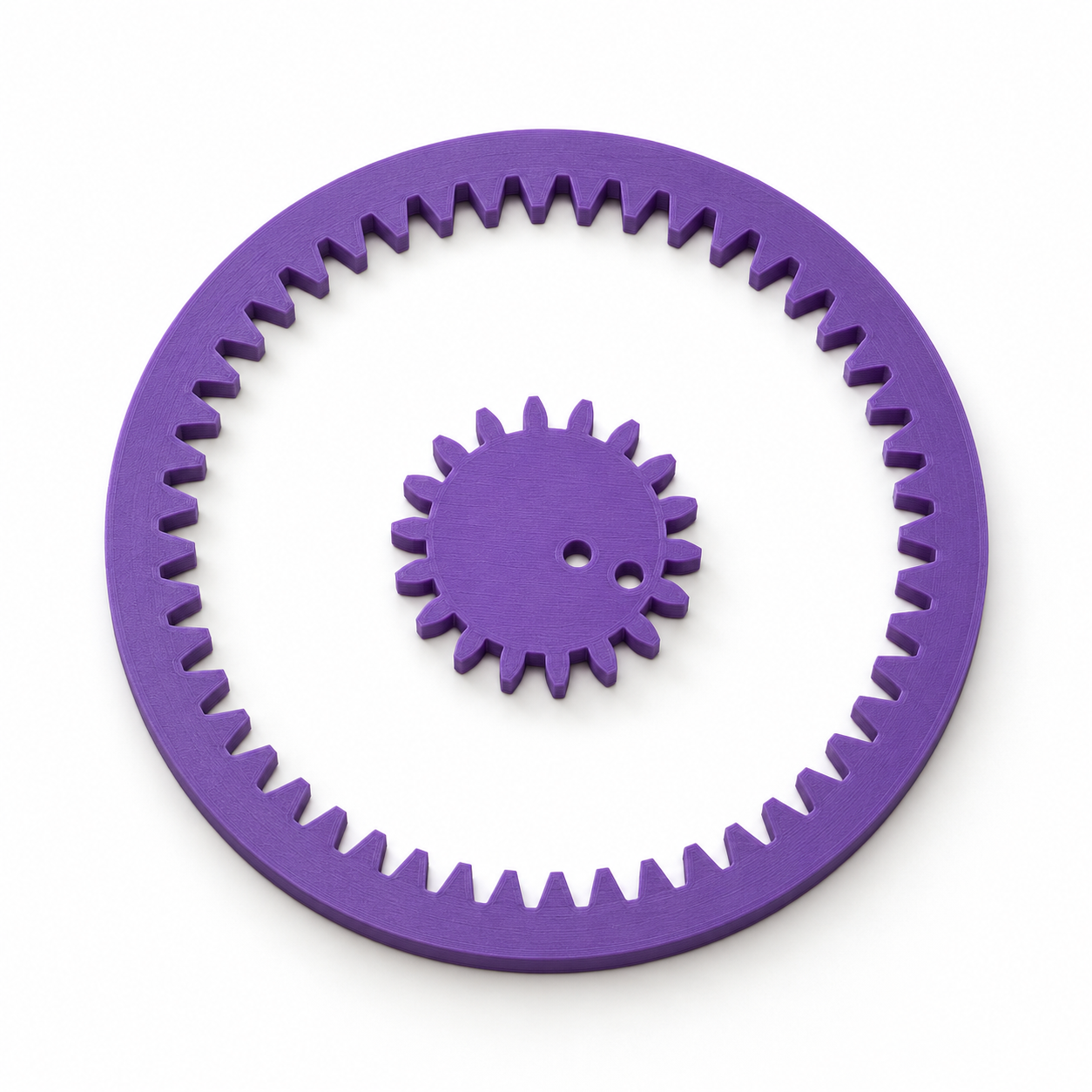
Geared drawing set with an internal ring and two pen positions – purple; AI product visualization

Crafts & design

Geared drawing set with an internal ring and two pen positions

Tooth counts and module set the curve ratio and drawing scale.

0 Likes
★★★★★
0.0/5 · 0 Ratings

STL file: Price currently unavailable.

Finished 3D print: calculate the price after creating your model.

parameters
3 adjustable
Variants
0 ideas
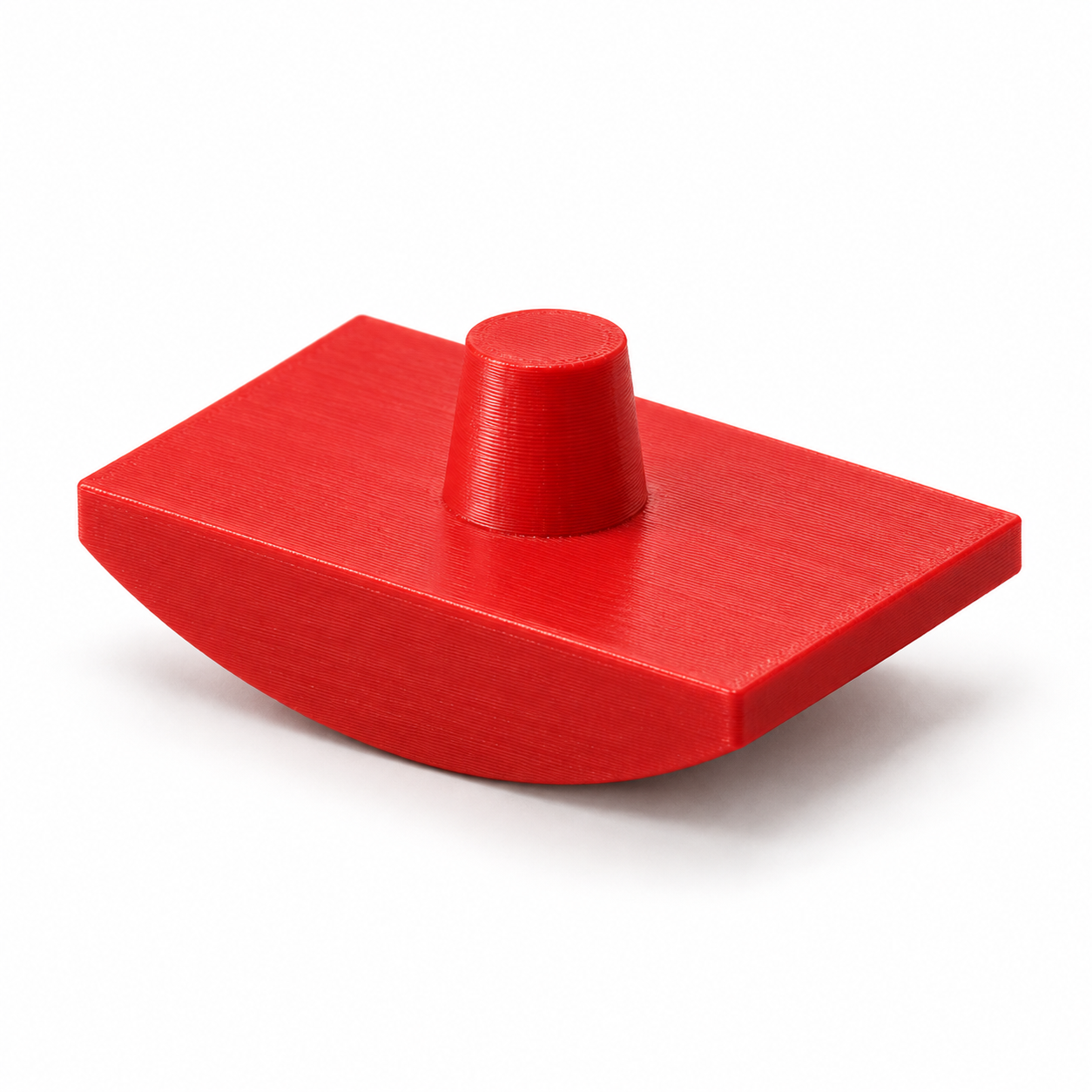
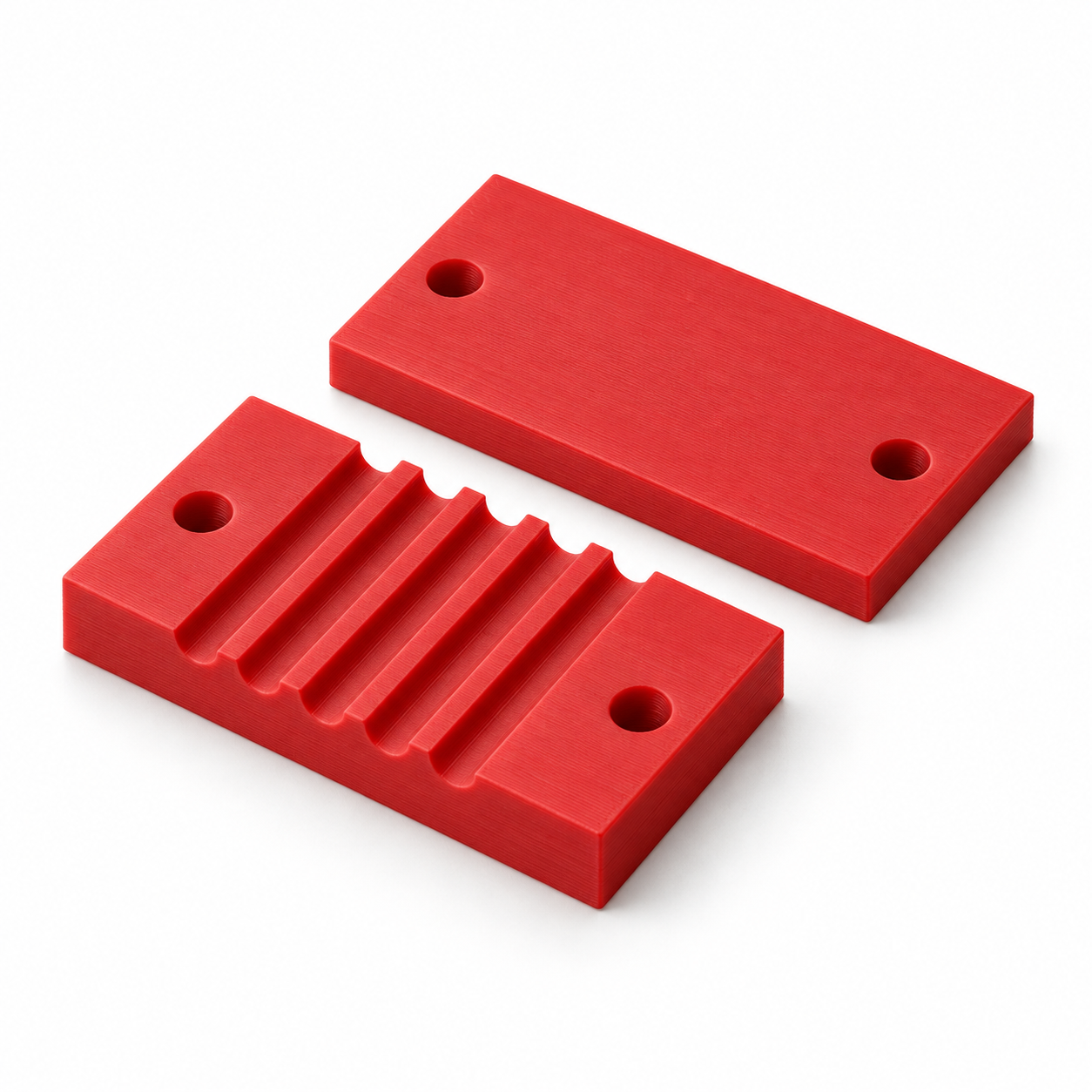
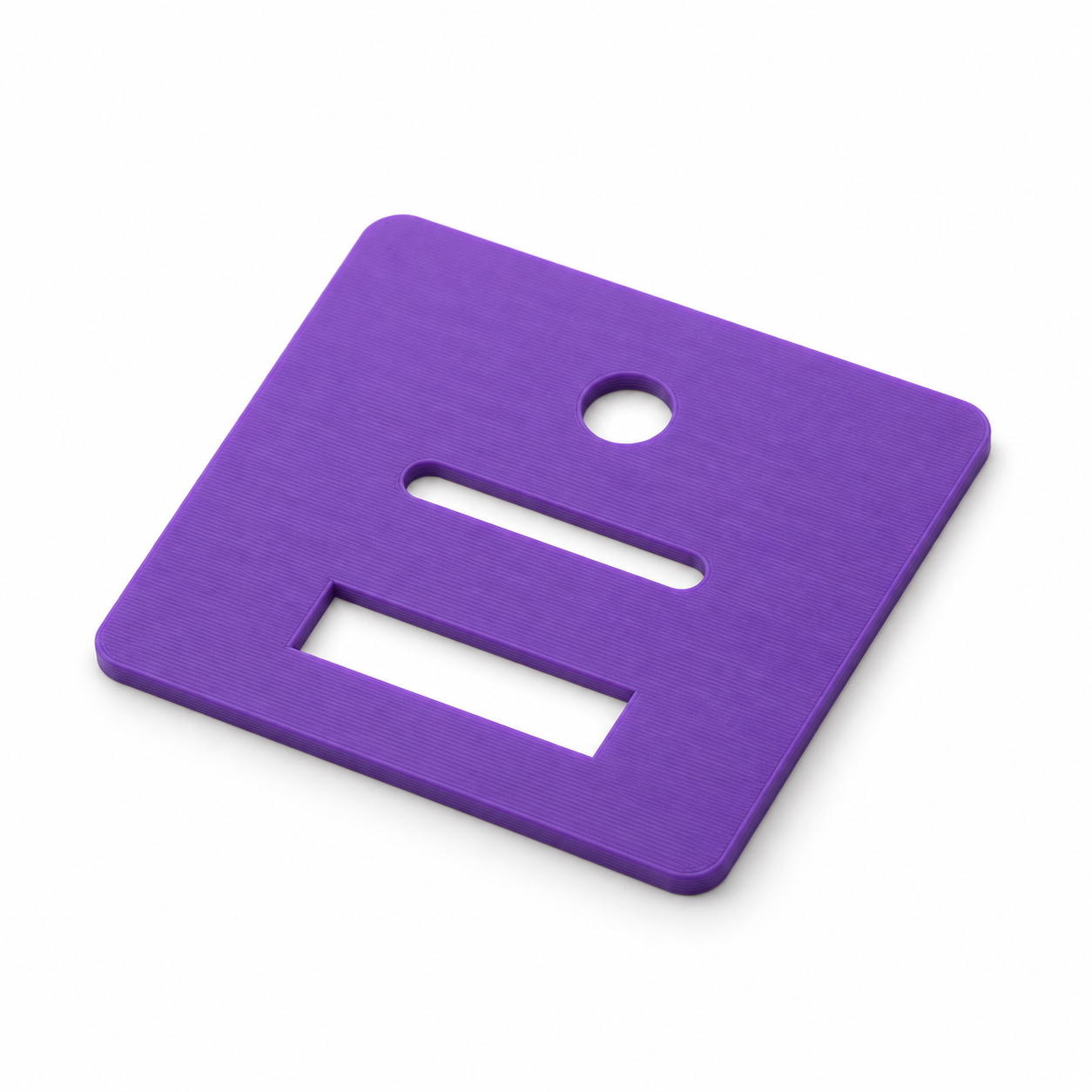
An internally toothed ring and a smaller drawing wheel create repeating curves as the wheel rolls around inside. Secure the ring to paper with your own removable putty, engage the wheel and guide a fine-point pen through either 3.2 mm hole. Press the wheel gently into mesh and move slowly around the ring. Tooth counts change the ratio; module scales both pieces together. The design uses 20-degree involute flanks with clearance for hand operation. Compatibility with branded sets is not promised. Print flat, remove first-layer bulging and burrs, and check free rolling before adding a pen. Not a drive gear and no guaranteed tracing repeatability. Adjustable dimensions: Internal-ring teeth: 40–64 ; Drawing-wheel teeth: 16–24 ; Gear module: 1.6–2.4 mm. Have your own 3D printer? Configure your dimensions online, buy and download the matching STL file, then prepare the 3D model in your slicer. Without a printer, we can make the part for you: select a material, calculate the price online, then order and pay online. The product image is a photorealistic AI visualization of the default geometry, not a photograph of a test print. Accessories are not included.

FAQ

Frequently asked questions

What is Configurable 3D component intended for?

Configurable 3D component is a configurable model in the Schreiben & Zeichnen category. When an off-the-shelf part does not fit, configure this parametric configurable 3d component for your project: adjust the dimensions, check the preview, download the STL or order the 3D… It is suitable as a starting point for 3D printing or technical review.

Which dimensions can I adjust for Configurable 3D component?

The available input fields define the dimensions of the generated model, for example Specific dimension, Module. Please check the preview and the displayed overall dimensions before ordering.

Is the STL generated from my inputs?

Yes. The STL is generated from the entered parameters and prepared for download or email delivery after payment.

Can I open the STL in Bambu Studio, Cura or PrusaSlicer?

The generated STL is suitable as a starting point for common slicers. Please review orientation, scale, material and print settings in your slicer software.

Do I need to check dimensions and tolerances before buying?

Yes, please check dimensions before ordering. Fit, strength and tolerances depend on material and print settings; the preview and overall dimensions help with verification.

Which material is suitable for Configurable 3D component?

PLA is useful for samples and simple parts, PETG for tougher applications and ASA for outdoor or higher-temperature use. Load, tolerance and print orientation matter.

Can I download Configurable 3D component as an STL or order it printed?

Yes. After configuration you can use the generated model for STL download or continue to the 3D printing order flow with price calculation.

What are typical uses for Configurable 3D component?

Typical uses include custom dimensions, repairs, prototypes and mounting aids in the Schreiben & Zeichnen category. For functional parts, always verify load and fit in the final application.

Ratings

What andere sagen

★★★★★
0.0/5 · 0 Ratings

Submit rating

Please enter your name, email address, star rating and comment.

Used only to prevent spam; stored as a hash.

★★★★★

Up to 5 images, JPG/PNG/WebP, maximum 5 MB per image.

Latest reviews

No reviews yet — be the first 🙂

Minimum order value not yet reached

Physical 3D prints require a minimum order value of €10.00. You still need . Digital STL files and shipping costs do not count toward the minimum order value.

You can select more products or increase the quantity of an existing 3D print.

Photo to 3D

What would you like to create? Choose an option – you will upload your source on the next page.

Example of a 3D relief created from a photo Photo to ReliefTurn your photo into a tactile 3D relief.Proven relief configurator · STL or printed partStart now → Example of a personalized 3D figurine created from a photo Photo to FigurineTurn your photo into a personalized 3D figurine with individual shape and color.Turntable preview · print or digital STLStart now → Floor plan and the spatial 3D model created from it Floor Plan to 3DTurn your floor plan into a spatial 3D model with detected walls and openings.Review preview · confirm recognition and assumptionsStart now → Technical drawing and the 3D part created from it Drawing to 3DCreate a printable 3D model from a technical drawing when geometry and dimensions can be identified clearly.Review preview · verify dimensions and viewsStart now →