

Your 3D part: upload a file or create your own
Start with your own file or a basic shape. Customize your model and purchase an STL file or a finished 3D print.
Tip: If you want to repair or analyze an STL file (e.g. open edges or non-watertight geometry), upload it here. We automatically analyze common STL issues and can repair the file if needed.
Tip: default values usually work right away — you do not need to be an expert.
Upload
STL/OBJ/STEP/IGES/3MF/… • max. 100 MB • Build volume: 250 × 250 × 250 mm
Quick check
- Use dimensions in mm
- Stable parts: recommended wall thickness ≥ 1.2 mm
- Every model is checked before printing
Preview: STL & OBJ directly • STEP/IGES files are converted automatically when possible.
Upload 3D model
Click the button, select your file, and we automatically create the preview and analysis.
Max: 100 MB • Your file is automatically checked.
Start without a file
Choose a basic shape and set its dimensions. Then add a logo, text and holes in the 3D editor.
Set dimensions before editing. Creating another shape starts a new model; logos and text are not carried over.
Previewing and editing do not commit you to a purchase. STL downloads and 3D prints are paid products; the price is shown before purchase.
3D printing references (real parts)
Examples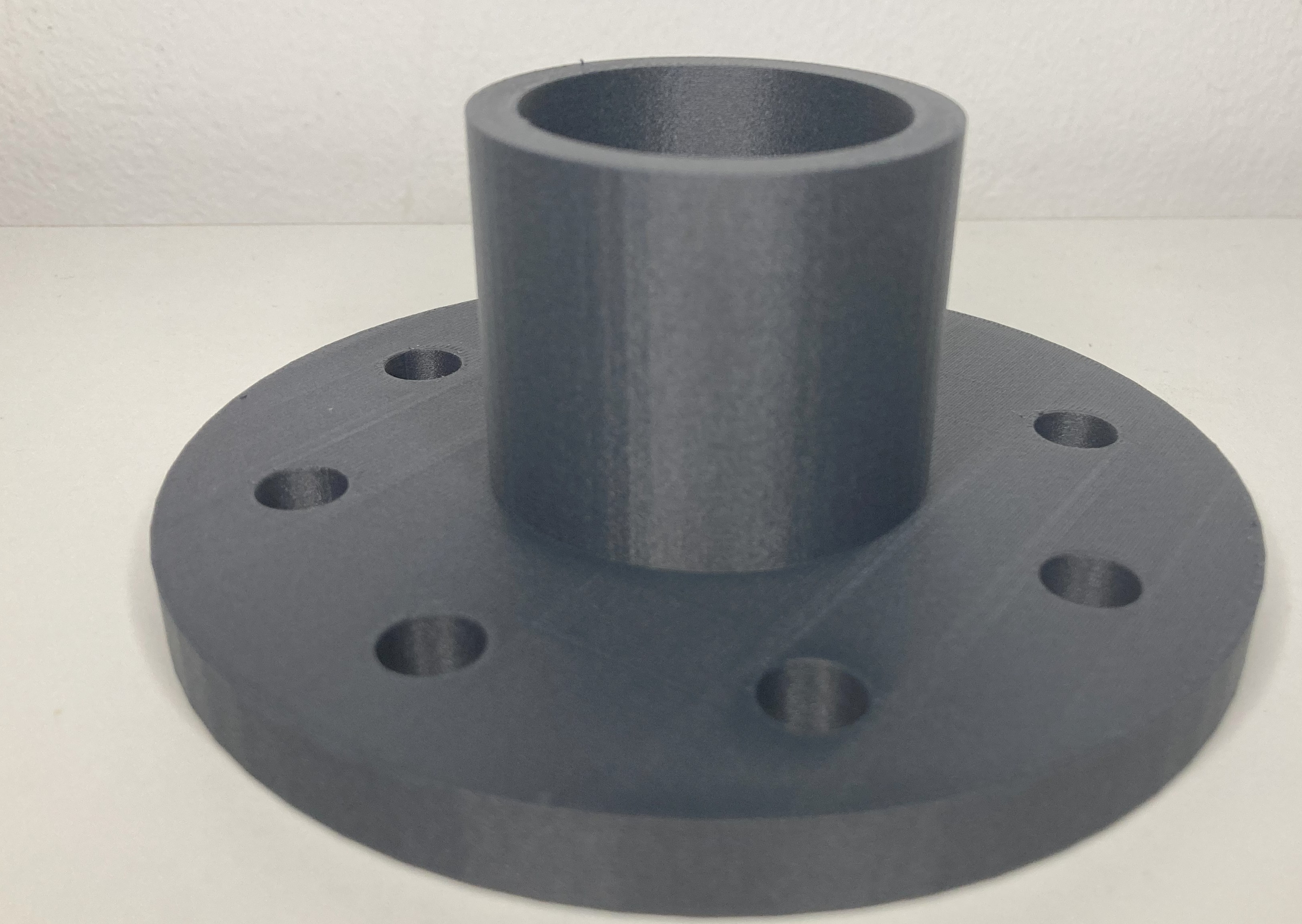
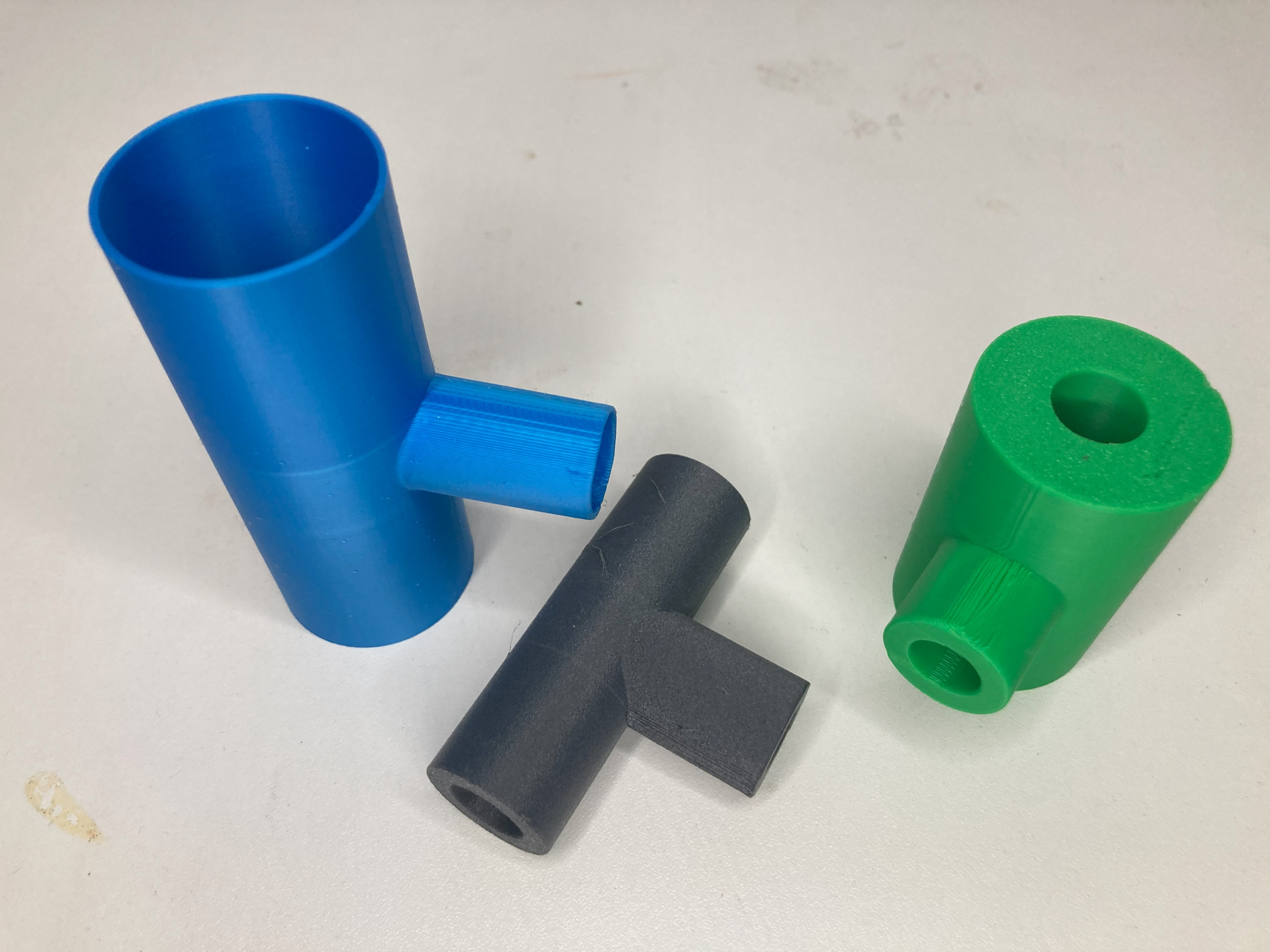
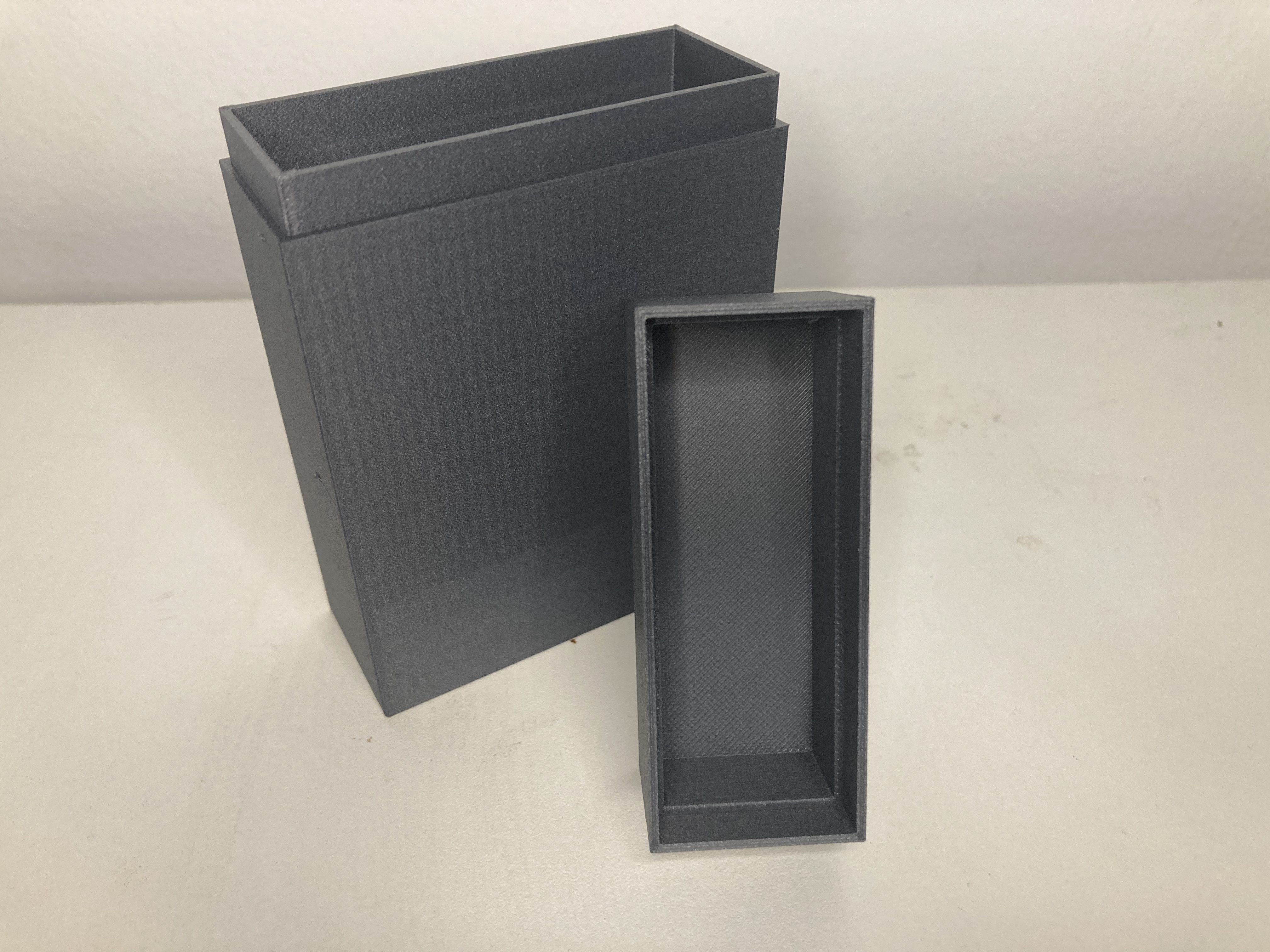
⭐⭐⭐⭐⭐ Customer feedback: clean prints, fast processing, fair pricing.
Order a print: calculate the price and place your order. You can edit the model first; the original is preserved.
📐 Scale
Uniform scaling or separate X/Y/Z factors.
Quantity discount: from 5 pcs −10% • from 10 pcs −20% • from 30 pcs −30%
Increase the quantity to automatically receive a discount.
Free shipping on orders of 50 € or more.
All prices are final prices. No VAT under Section 19 UStG. Shipping is calculated separately in the cart.
We ship with:

What our customers say
Real and verified Google reviews from our customers.
From a basic shape to your company sign
Create a plate with rounded corners, open the 3D editor and add your SVG logo and text. You can also add holes in the editor.
Whether it is a door sign, washer or spacer, review your finished model in the preview. Then purchase the STL file or select material, color and quantity for a print order.
FAQ: creating, uploading and ordering 3D models
Questions about basic shapes, logos and text, STL files and 3D printing.
Can I create a 3D model without a CAD file?
Yes. Select “Create your own part”, choose a plate, disc, ring or spacer and enter your dimensions. The shape opens in the existing 3D preview.
Can I add a logo and text and download the STL?
Yes. After creating the shape, open “Edit 3D model” and add an SVG logo or text. Save your changes. You can then purchase a download of the current STL version or order it as a 3D print.
How can I repair an STL file? ▾
Upload your STL. Automatic analysis detects common issues such as open edges or non-watertight surfaces. If repair is needed, a repair button appears in the interface.
Do you support STL repair? ▾
Yes — you can upload STL/OBJ/3MF and additional formats. We automatically check the model and offer repair/scaling if needed for printing.
Which file formats are supported? ▾
Supported formats include STL, OBJ, 3MF, STEP/STP, IGES/IGS, PLY, GLB/GLTF, FBX and GCODE. Some formats are converted automatically when possible.
Do I get a price instantly? ▾
Yes. After upload and analysis, choose material, print mode, infill density, and quantity, then click “Calculate 3D printing price”.
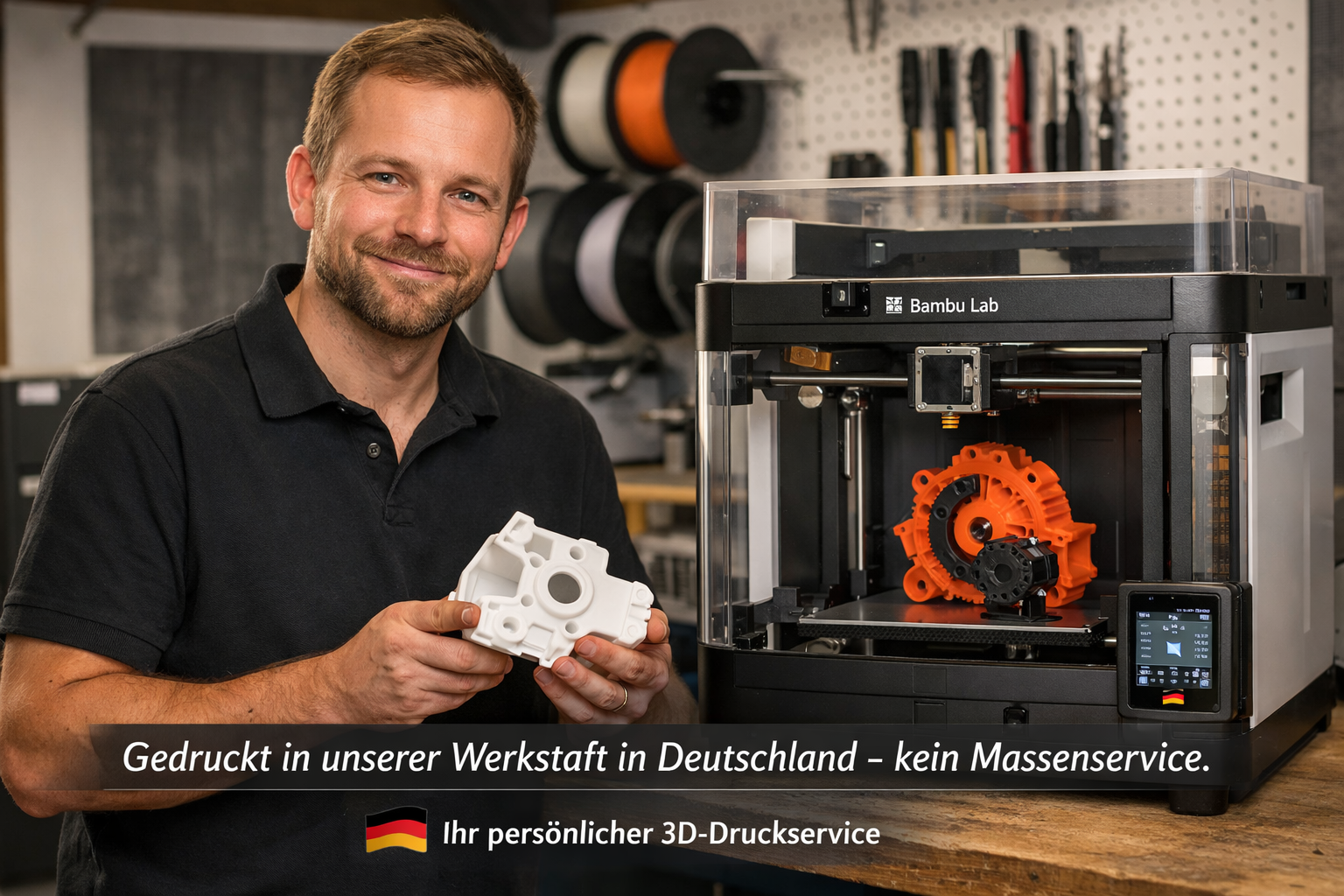
Printed in our workshop — no mass-production service.
We are a small 3D printing service focused on quality. Every model is checked, carefully produced and securely packed.