

Convert an image into a 3D relief
Upload a photo or logo, generate a relief preview and order the STL or 3D print.
Convert a photo to a 3D relief online — upload an image, preview it & order a print
- ✔ Upload image → Automatically create a 3D relief
- ✔ Check the live 3D preview before buying
- ✔ Choose size, thickness & material — ideal as a gift
You want your Convert photo/image to 3D relief? Then you don't need CAD tools: Bild upload, Choose dimensions & material, Check the live 3D preview – and your Relief ganz simple Order print. Especially popular: Portraits, Pairs, Pets and Gifts.
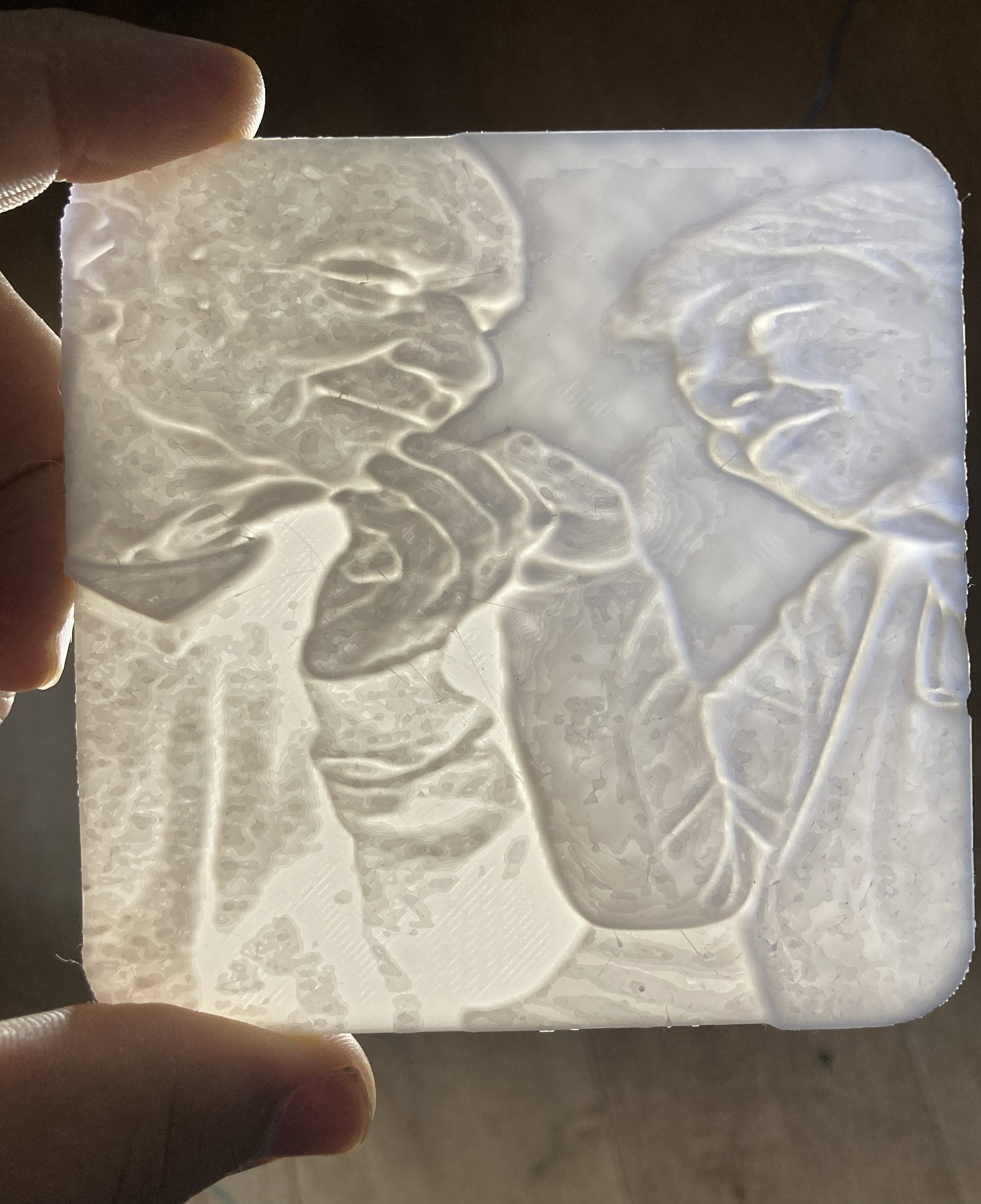
Want to see immediately how your image looks as a relief? Start the preview - without CAD, without detours.
What is it?
A 3D-Relief is not a flat image, but a real object with height differences. Image information is converted into a Elevation model converted: Contours and contrast control the depth. The subject stands out noticeably from the background - it has a particularly strong effect in side light (real shadows).
That's why photo reliefs are so popular: they are emotional, unusual - and look great in the hand often more impressive than on screen.
Who is a photo relief suitable for?
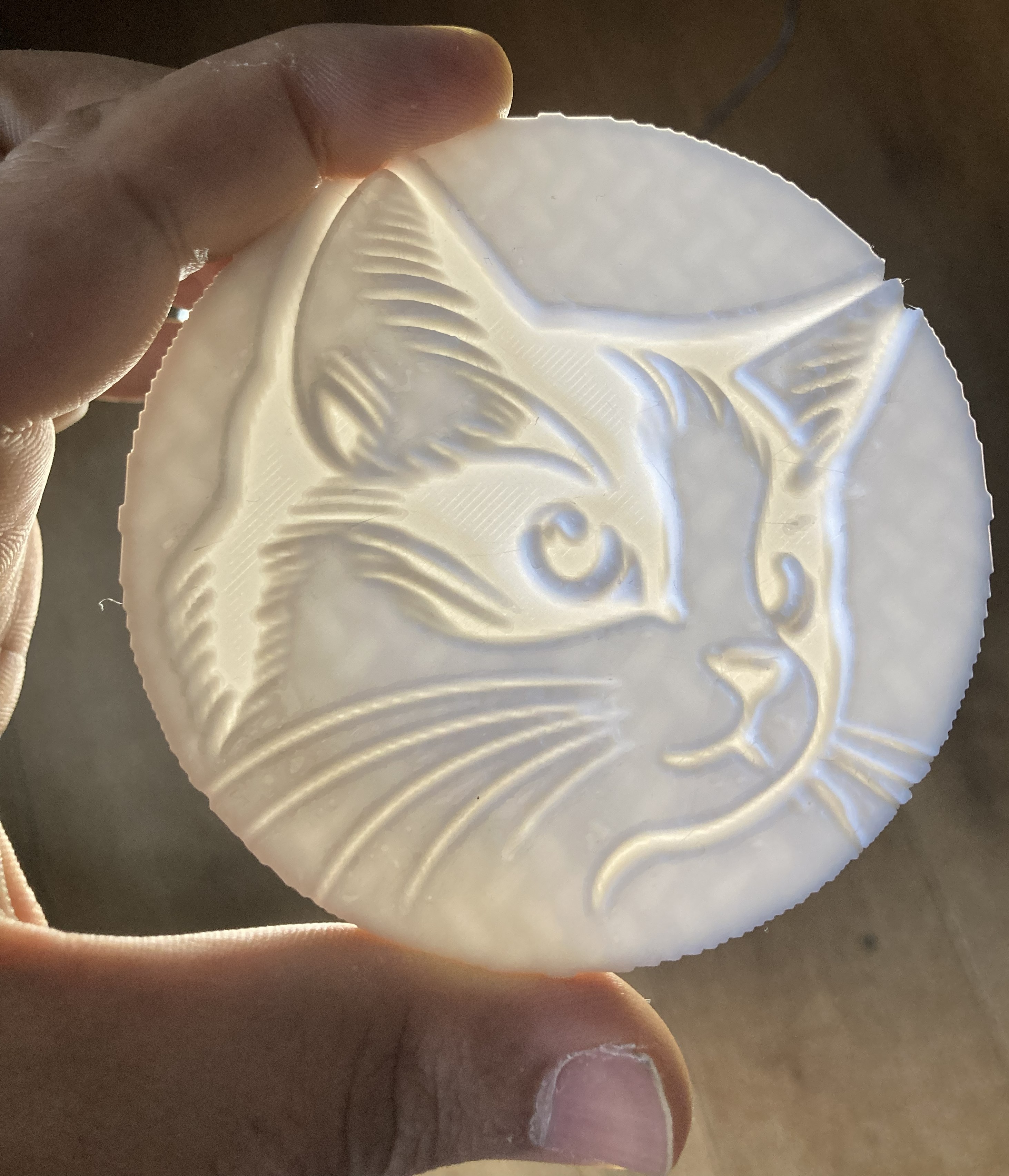
A 3D-Relief from photo is always suitable when a picture should be more than "just" an expression: as a memento, gift or special decorative element. Particularly good: motifs with faces or clear contours.
- Portraits of family and friends
- Pairs (Wedding, Anniversary, Engagement)
- Pets (dog, cat, horse)
- Reminders to special moments
- Logos / Graphics als Schild, Deko or Branding
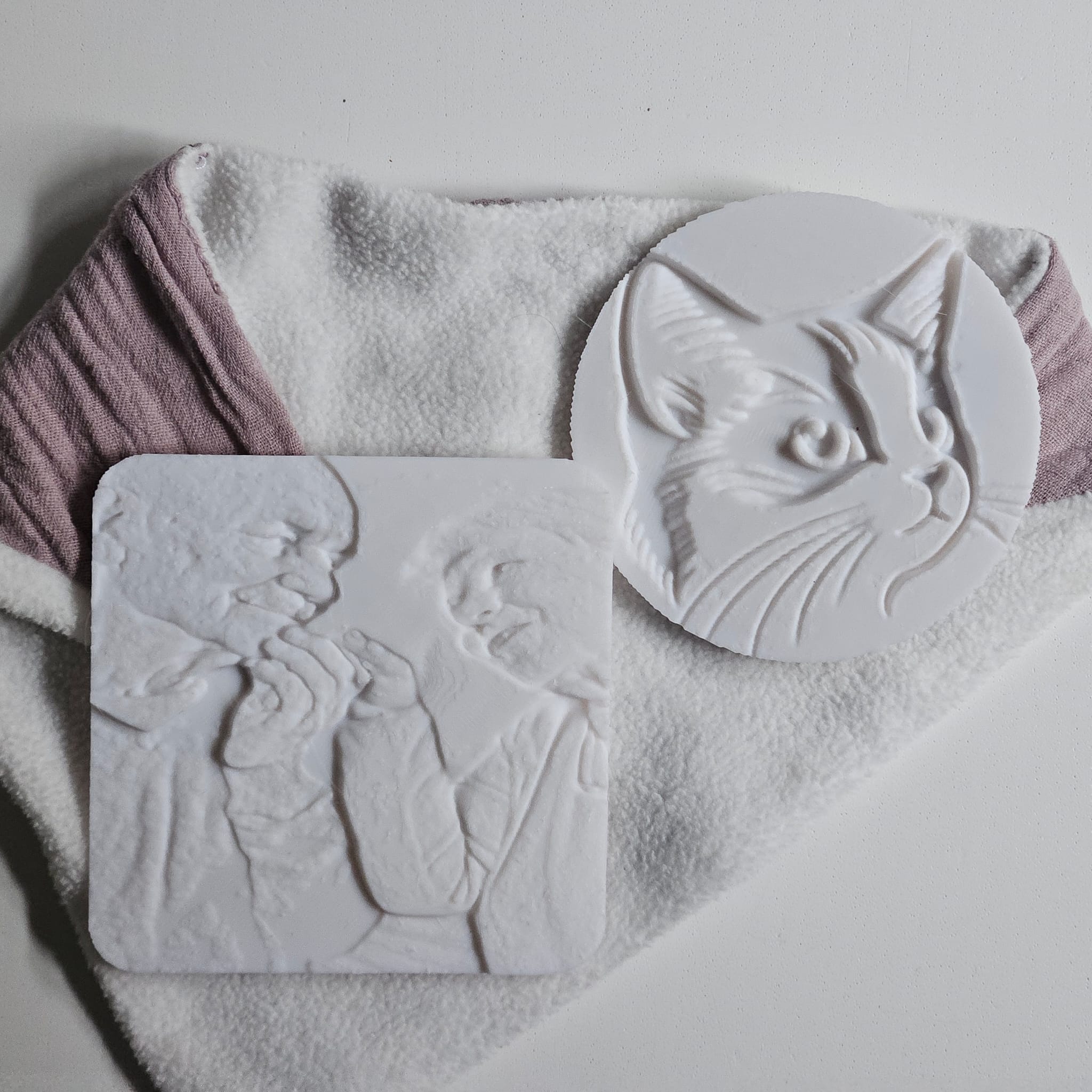
How to create your 3D relief in minutes
No CAD skills required. You choose the size, thickness, material, and color — the configurator handles the rest.
- Bild upload (JPG, PNG or WebP)
- Set size (length & width)
- Choose thickness (strength and depth effect)
- Select material & color
- Check the live 3D preview
- Order & have printed
Expert tip for an impressive result
For more depth effect: choose a slightly greater thickness and use a mattes Use material. Matte surfaces often look better for portraits/pets (softer shadows, better detail effect).
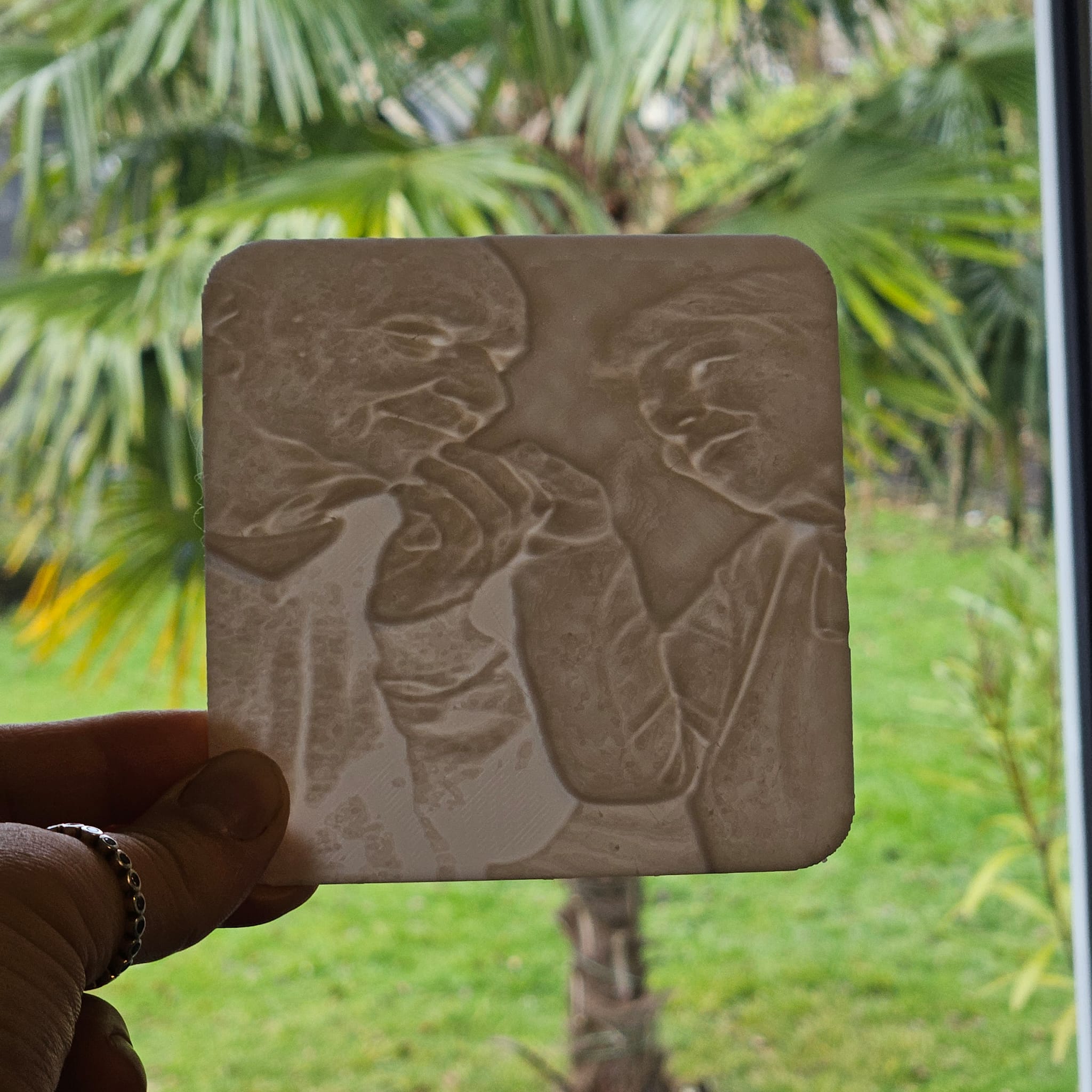
Material and surface finish: which suits your subject?
The material influences the look, feel and detail effect. For portraits/pets, matt & detail-friendly is often worthwhile. For logos/graphics, "clean & edgy" is worthwhile.
| Goal | Recommendation | Why? |
|---|---|---|
| Portrait / People | matt, detailfreandlich | natural shadows and clearly defined facial features |
| Pets | stable + good detail resolution | Fur structure & contours become more visible |
| Logos / Graphics | cleane Kanten, cleare Oberfläche | crisp edges - ideal for signs & decoration |
Which images work best?
Best result when the subject is clearly recognizable. Smartphone is usually sufficient - light, contrast and sharpness are important.
✅ Ideal
- uniform light (window light)
- Motiv clear getrennt vom Hintergrand
- Focus on face/object
- ruhiger Hintergrand
- good contrast
⚠️ Rather difficult
- strong backlight
- very busy background
- Bewegungsuschärfe
- very low resolution
- very flat light
Quick check (10 seconds)
Zoom into the image: Are the eyes/contours clean? Does the subject stand out from the background? If so → very good chances of a strong relief.
Why BuildYour3D?
No CAD, no standard sizes: You configure your relief directly online - with preview, suitable dimensions and choice of material.
- Live-3D-preview before purchase
- Custom dimensions statt Standardproyoukt
- Ideal as a gift - personal & memorable
- 3D printing & shipping from a single source
FAQ - Photo/Image as 3D-Relief
Can I turn an image into a 3D relief without CAD?
Yes, upload your photo/image and see the 3D effect directly in the live preview. Then select the size, thickness and material and order the printed relief.
Which images give the best depth effect?
Good depth effect comes from contrast, sharpness and clear contours. A calm background helps enormously.
Can I also use logos or illustrations?
Yes, contours are clear, which often makes reliefs look particularly clean - perfect for signs and decorations.
Convert photo/image to 3D relief now
Turn your picture into a tangible object. Ideal as a souvenir or gift - with live preview before purchase.
Tip: Simply test an image - you will see the effect immediately.
Also searched for:
convert image to 3d relief, create relief, 3d relief from photo, convert photo to 3d, portrait as 3d relief, create 3d relief online, 3d printing gift idea.
Convert an image into a 3D relief
Upload a photo or logo, generate a relief preview and order the STL or 3D print.