

Why use a 3D painting tool in the browser?
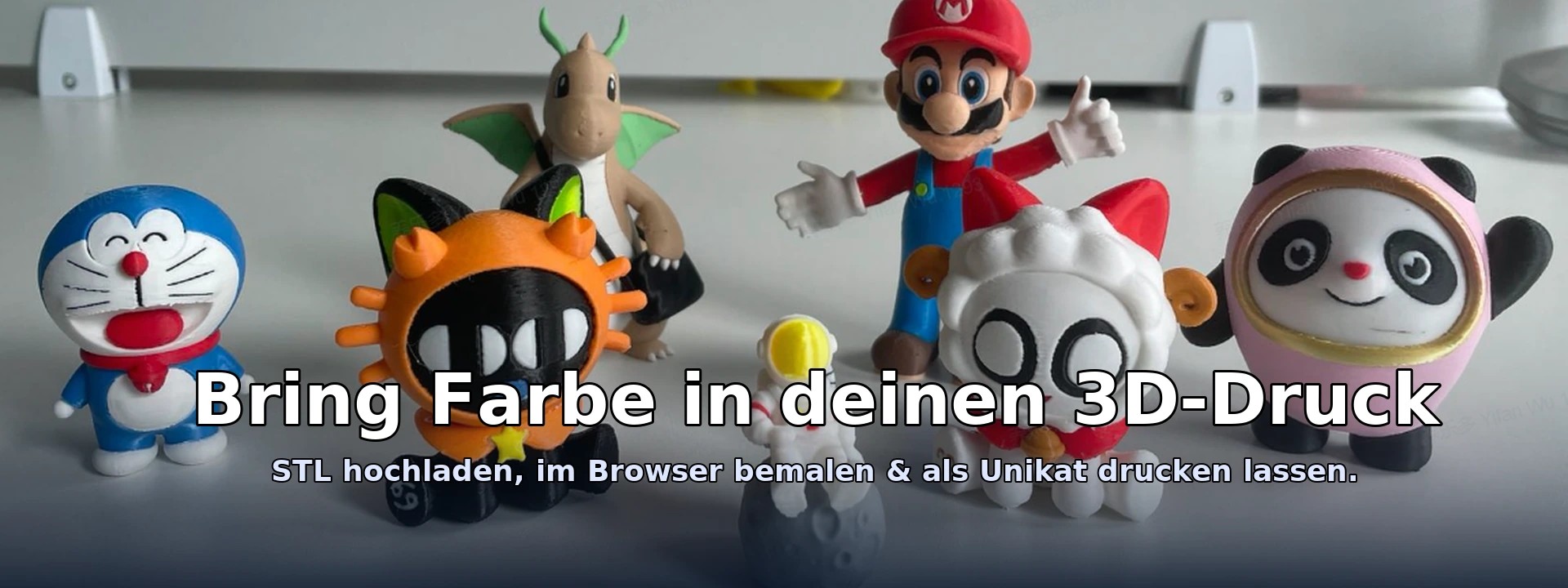
Many projects need quick color accents: logos, marking areas, presenting prototypes or real Mehrfarb-printe prepare. Instead of complex CAD software, you simply use your browser - instantly, device-independently and without installation.
Your advantage: lightweight painting in the browser
- Sofort startclear: Open link, load STL, start painting.
- Intuitive: Brush, lasso, area/plan/smart selection - like in an image editor, only for 3D.
- Performance lean: optimized display, overlay lasso, undo/redo.
- Exportable: GLB (Echtzeit-Visualisierung) and 3MF (colors per triangle/part), ideal for presentation and print preparation.
How to paint your 3D model step by step
- STL load: Öffne das Tool and wähle your STL file.
- Select tool: Brush for freehand, lasso for regions, "Smart/Auto" for intelligent regions.
- color setzen: Click the palette or select your preferred color.
- Paint: Optionally enable soft edges and brush over the surface.
- Fine edge: Draw lasso → Double click → Fill; feathering makes the edge smoother and softer.
- Export: Save GLB/3MF, ready for visualization or color 3D printing.
The painting tools at a glance
🖌️ Brushes
Freehand painting with adjustable diameter and optional soft edge. Ideal for quick color accents.
✏️ Lasso / Circle & Fill
Draw a line around the area. Double-click to close the lasso and fill the selection. Ideal for clearly defined shapes.
⛯~ Feather-Fill (soft edges)
A lasso fill with smooth transition into the surrounding area. Edges become visibly smoother, ideal for logos, outlines and fine details.
▲ Triangle, ▦ Surface, ▭ Plane, ⛶ Island
Region detection by normals, coplanarity or connected island helps you select surfaces logically and quickly.
✨ Smart & 🪄 Auto
Smart selection considers angle, curvature and topology. Auto combines plane, cylinder and smart heuristics.
🎯 Face-Groups
“Generate FG” creates face groups as in MeshMixer. Select and fill entire groups, ideal for complex models.
Export: GLB & 3MF with colors
GLB (glTF binary)
- For what? Web/AR visualization, viewers, presentations and quick approvals.
- Advantage: Lightweight, modern and ideal for the web — colors are preserved.
3MF (3D Manufacturing Format)
- For what? print preparation with Farbinformationen.
- Per-Corner: Colors per triangle corner for maximum precision.
- Multi-Part: One file per color group, convenient for slicers and other workflows.
Pro-Tip
If your goal is multicolor 3D printing, export as 3MF. For presentation only GLB. You can create both.
From your idea to a color 3D print: a simple process
- Paint the model in your browser (Brush, Lasso, Smart, Feather).
- Export 3MF (colors) or GLB (Visualization).
- Bei us farbig have printed – we kümmern us um material, Qualität & shipping.
FAQ: Frequently asked questions
Are colors preserved when exporting?
Yes. In GLB and 3MF your color data is included.
Can I glatte Ränder without Zacken bekommen?
Yes. Nutze Feather-Fill or the soft brush edge. Use the plane selection to follow edges on flat surfaces.
Does it work on every device?
The tool runs in the browser using Three.js. A desktop computer is recommended; modern mobile devices usually work well too.
Are you adopting multi-color 3D printing?
Upload your colored 3MF/GLB or send us the model - we advise material & colors and print in professional quality.
Ready loszulegen?