STL - Repair - 3D Printing - - Reading time ~6-8 min

STL not watertight? How to fix open STL files and make them printable

Your slicer shows errors like "STL not watertight", open edges or non-manifold geometry? Then your model is not completely closed - and cannot be printed correctly. Find out here, why this happens, wie you es erkennst and wie you your STL file repair automatically.
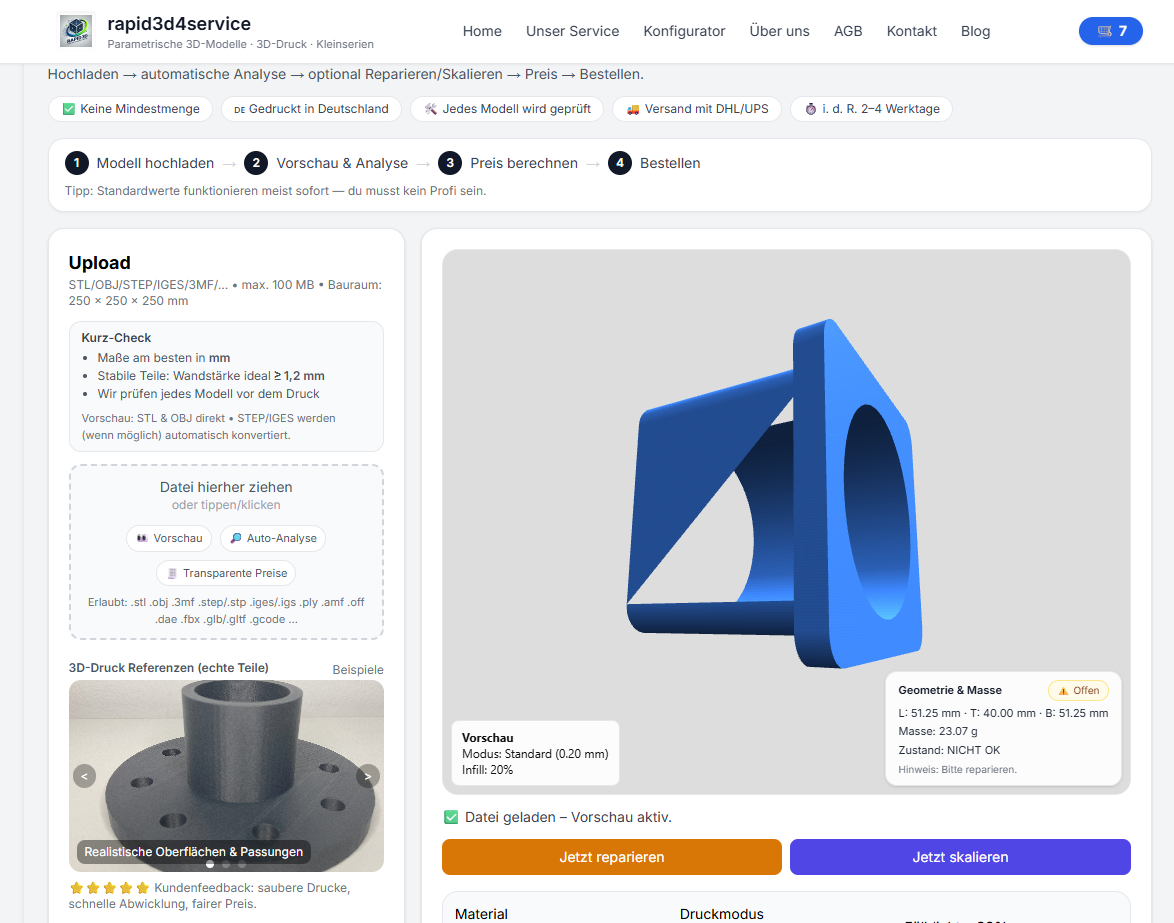
STL model not watertight — open surfaces and holes in the mesh
Example: STL file with open surfaces - not watertight, not printable.

What does STL not watertight mean?

One watertight STL file is completely closed - each edge belongs exactly to two surfaces. If this is not the case Holes, open edges or conflicting geometries. The slicer then does not know what is inside or outside.

  • Open edges
  • Non-manifold geometry
  • Overlapping or inverted faces
  • Invalid CAD exports
Non-manifold STL error — problematic edges in the 3D model
Typical non-manifold error: More than two surfaces meet one edge.

Why is a non-watertight STL a problem?

  • ❌ Incorrect volume → incorrect price
  • ❌ missing wall thicknesses
  • ❌ Holes or breaks in the print
  • ❌ Failed or interrupted print

The simple solution: automatically check and repair STL files

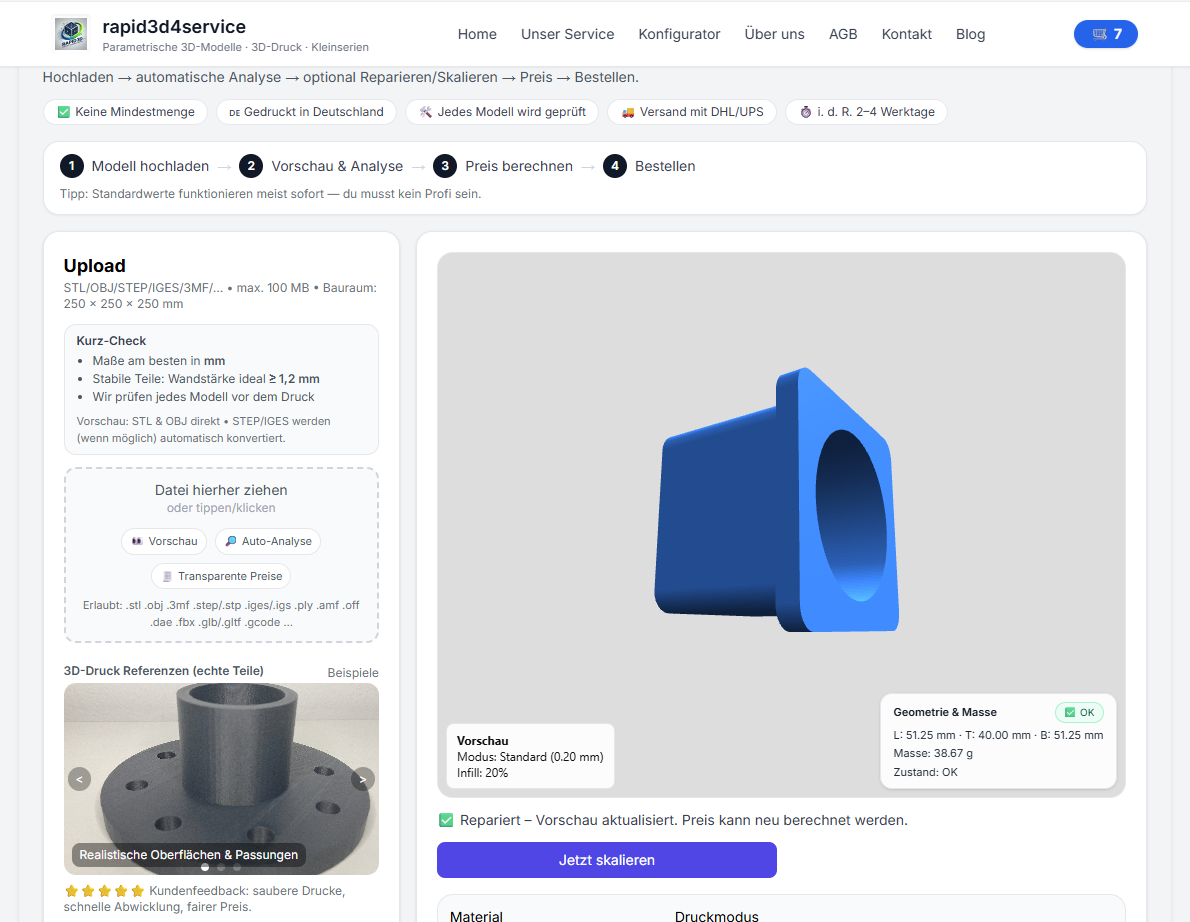
Instead of laboriously searching in the CAD or Mesh Editor, you can use your STL file directly upload. Our system recognizes typical STL errors, repairs open edges and generates a druckfähiges model.

  1. STL upload
  2. Automatic analysis (watertight / non-manifold)
  3. Reparieren with 1 Klick
  4. Choose material and calculate the price live
  5. printen lassen

Also searched for:

stl not watertight, stl not watertight, stl repair, stl repair, check open edges stl, non manifold stl, mesh error stl, stl upload, make stl printable, stl repair service, 3d printing stl error

Minimum order value not yet reached

Physical 3D prints require a minimum order value of €10.00. You still need . Digital STL files and shipping costs do not count toward the minimum order value.

You can select more products or increase the quantity of an existing 3D print.

Photo to 3D

What would you like to create? Choose an option – you will upload your source on the next page.

Example of a 3D relief created from a photo Photo to ReliefTurn your photo into a tactile 3D relief.Proven relief configurator · STL or printed partStart now → Example of a personalized 3D figurine created from a photo Photo to FigurineTurn your photo into a personalized 3D figurine with individual shape and color.Turntable preview · print or digital STLStart now → Floor plan and the spatial 3D model created from it Floor Plan to 3DTurn your floor plan into a spatial 3D model with detected walls and openings.Review preview · confirm recognition and assumptionsStart now → Technical drawing and the 3D part created from it Drawing to 3DCreate a printable 3D model from a technical drawing when geometry and dimensions can be identified clearly.Review preview · verify dimensions and viewsStart now →