

Create a 3D city model from a map
Select a map area and generate a printable STL city block.
Print city model 3D: District, city block & map as 3D model
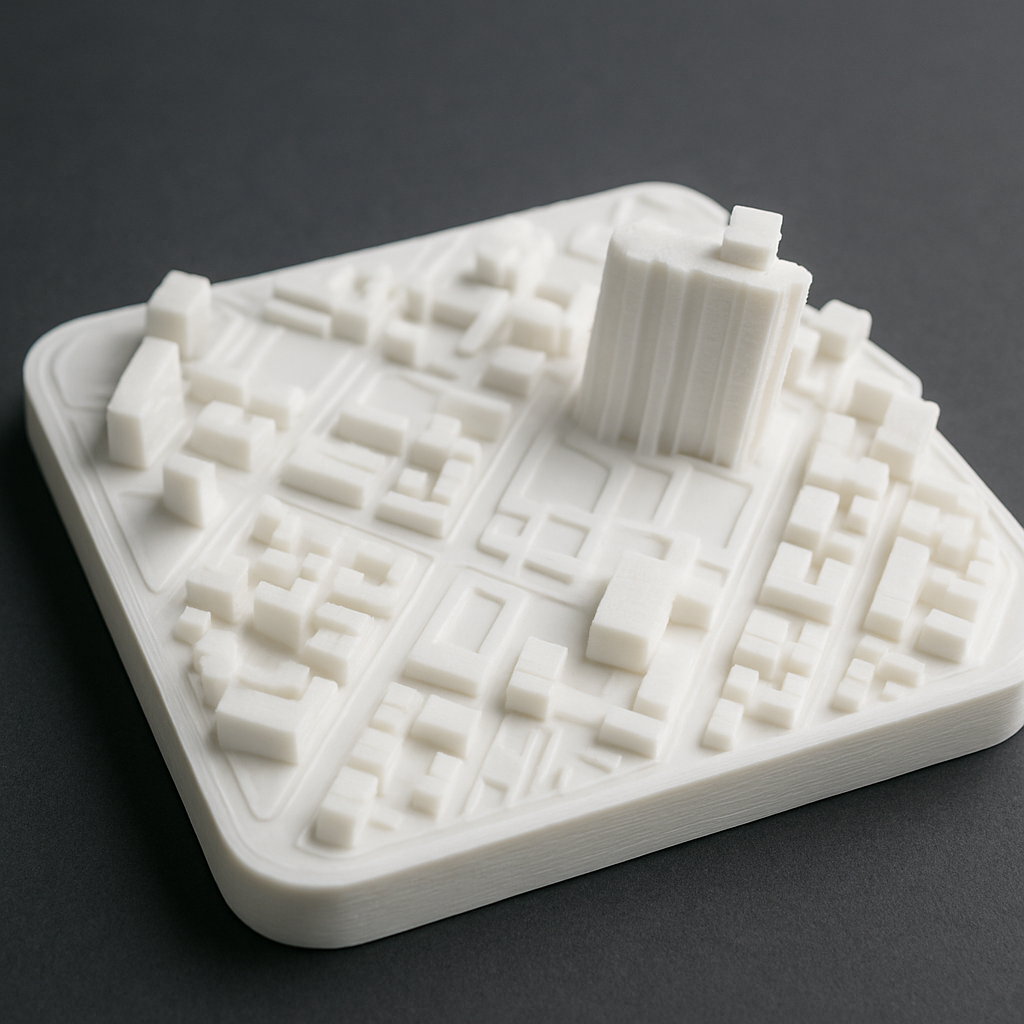
You want your City districtone City block or a Print card as 3D model? Here we show you how to turn a section of a map into a tangible 3D-City model including a parameter guide and printing tips, pricefaktoren and Video.
- Why create a 3D city model? Use cases and ideas
- How your city model is created — step by step
- Key parameters: scale, height exaggeration, edges and base
- printtipps: material, Layer, infill, Finish
- Price factors and size recommendations
- Video: City block in 3D - Quick guide
- FAQ: Frequently asked questions about district and city block printing
Why create a 3D city model? Use cases and ideas
- Gift & Decoration: Your Quarter as 3D reminder - relocation, wedding, anniversary.
- Architecture & Study: Print city block 3D for design, research, teaching.
- Tourism & city marketing: Eye-catcher for visitor centers, trade fairs, hotels.
- Company: Reception area, meeting rooms - City map 3D with Logo/Label.
With BuildYour3D you will receive a simpleen Workflow: Select area, set parameters, check preview - we print your City model in 3D high quality and deliver it to you.
How your city model is created — step by step
- Set area: Clear limited District/City block define (marketplace, old town, campus ...).
- Determine dimensions/scaling: Choose a side length in mm or a scale (e.g. 1:2000).
- parameters setzen: Superelevation (1.2-1.8×), Edge radius, Plate thicknessoptional labeling.
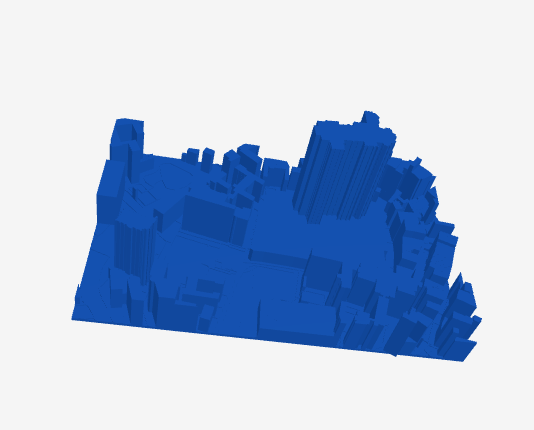
- Check preview: Buildings, streets and squares — check readability and edge quality.
- STL create & print: We take care of slicer setup, material selection and quality.
Key parameters: scale, height exaggeration, edges and base
- Scale/Size: 120-200 mm for gift/decoration, 200-300 mm for studies/presentations.
- Relief depth / height exaggeration: 1.2–1.8× makes small details more visible.
- Edges: Chamfers and radii reduce stress concentration and improve print appearance.
- Baseplate: 2–4 mm, optionally with Street names, coordinates or Logo.
printtipps: material, Layer, infill, Finish
| Option | Recommendation | Why |
|---|---|---|
| Material | PLA (indoors), PETG (tougher), ASA (UV/outdoors) | Attention to detail, stability, durability |
| Layer height | 0.12-0.2 mm | Fine elevation steps and clean building edges |
| Perimeter | 3-4 lines | Stable, unbreakable edges |
| infill | 10–20 % | Good balance of time, weight and strength |
| Finish | Deburring, light sanding, matt varnish optional | Better readability & feel |
Price factors and size recommendations
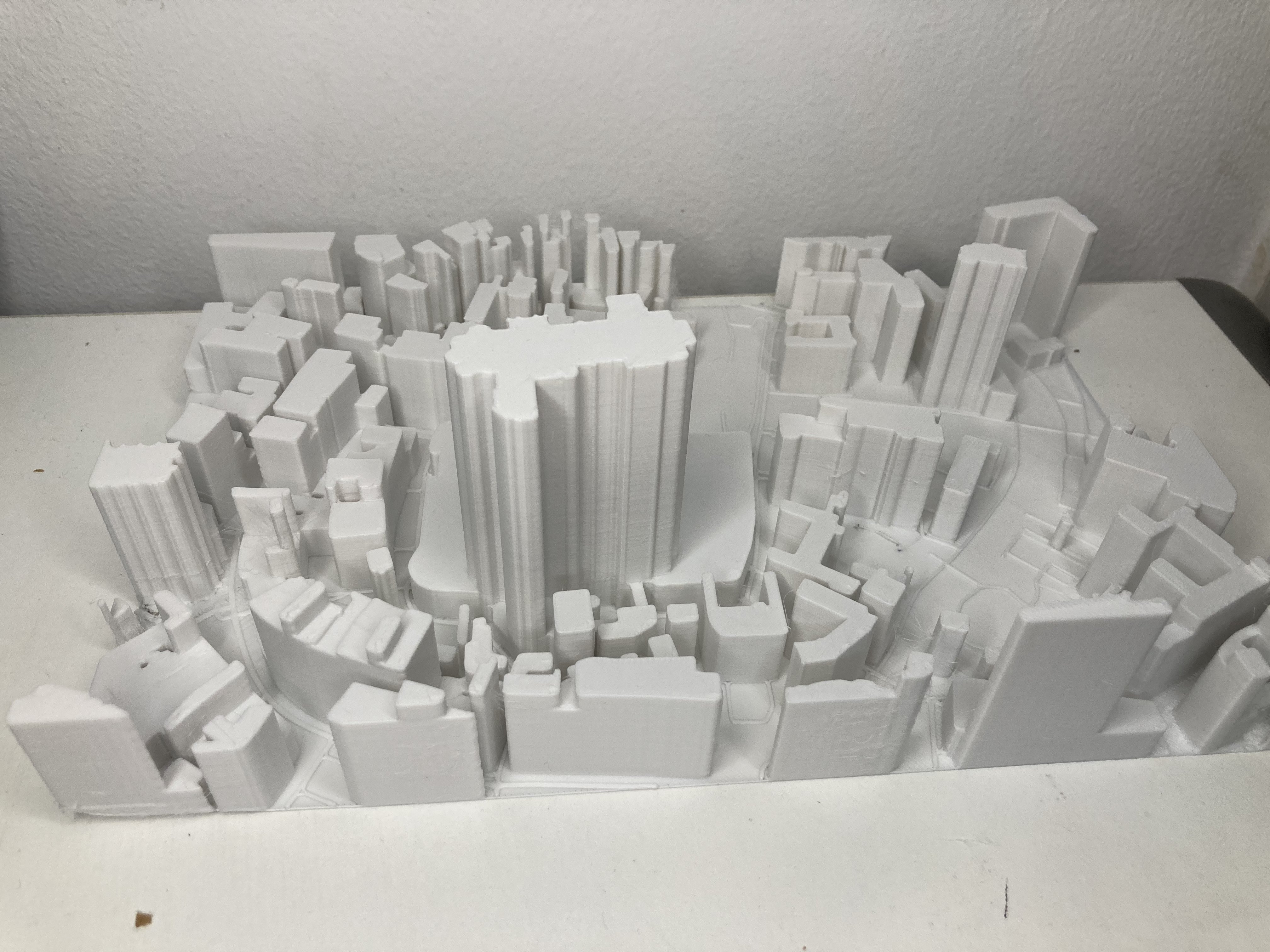
- Area & Height: Larger footprints and heights require more material and time.
- Detail density: Old town vs. new development — fine details increase printing time.
- material & Finish: ASA/Multi-color, painting, base/badges optional.
Smaller models often start in the double-digit range. For a concrete offer: Select city block or short request.
Video: City block in 3D - Quick guide
Place your order in 2 minutes
- Select map section or your Gebiet nennen.
- Set size, height exaggeration and edges, then check the preview.
- Confirm Instant Pricing - we print & deliver.
FAQ: Frequently asked questions
How do I select the area for my 3D city model?
It is best to choose a clearly defined city block or a distinctive neighborhood with recognition value. For small models, slightly exaggerate details if necessary.
What size makes sense?
For gifts and decoration, use a side length of 120–200 mm; for studies and presentations, 200–300 mm. Relief depth: 1.2–1.8×.
Which materials are suitable?
PLA (indoors), PETG (tougher), ASA (UV/outdoors). Light colors show details better; multicolor or text inlays are available on request.
How much does a 3D city model cost?
Price depends on surface area, height, detail density, material and finish. We will give you an Instant Pricing after upload or by request.
How long does production take?
Depending on size/detail 1-3 working days printing time plus shipping. Express often possible - please inquire briefly.
Create a 3D city model from a map
Select a map area and generate a printable STL city block.